COFFEE BUZZ — END OF SUPPORT
NOVEMBER 2025

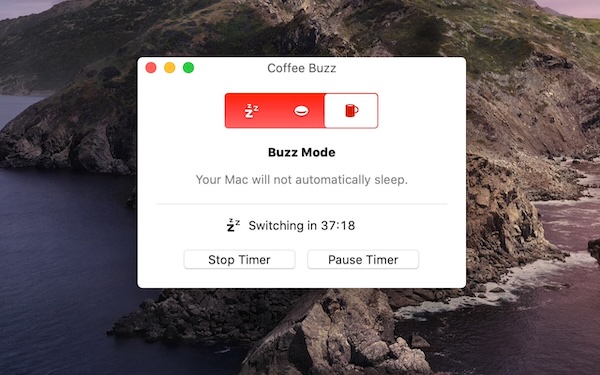
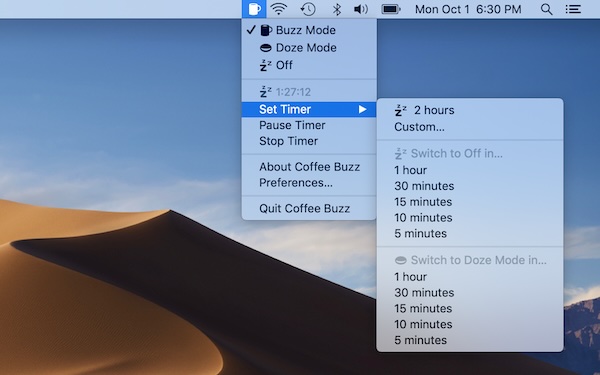
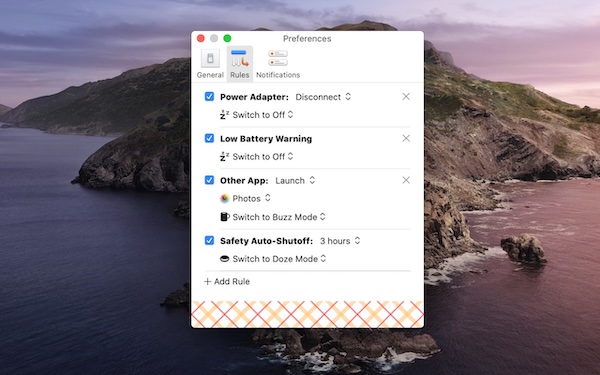
Thank you to everyone who downloaded and used Coffee Buzz in the years since I published the first version in 2016. My goal was to create a good tool that did exactly what it promised with no nonsense, and judging by the reception over the last nine years, it seems I succeeded.
Unfortunately, little utility apps like this don't make money, and I'm finding my time increasingly at a premium with the other creative ambitions I'm pursuing. I last updated the app in early 2020, and despite the lack of maintenance, everything seemed to hold up just fine. But now that compatibility issues are starting to appear in the latest versions of macOS, it no longer meets the standard for something on which I'd put my name, and I've decided it's time to let it go.
Coffee Buzz can no longer be downloaded from the Mac App Store, but the app you already have should continue to work for the foreseeable future.
How to protect your copy of Coffee Buzz
If you already use Time Machine or another backup solution to protect your entire system, then you're already covered. You can simply retrieve your copy of Coffee Buzz from there if necessary. If not, you should make your own copy and place it somewhere safe, like another folder or even an external drive.
You can also transfer your existing copy of the app to another Mac you own. Use an external drive, copy it to iCloud, or even AirDrop it to the other system. When launching the copied app for the first time, you'll be prompted to sign into the App Store to update its digital license. After that, it will run normally.
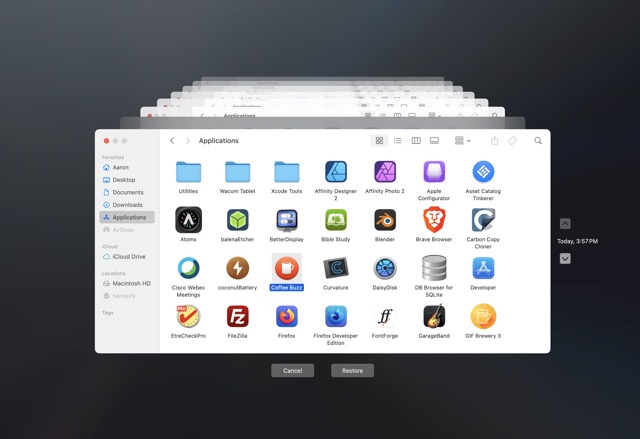
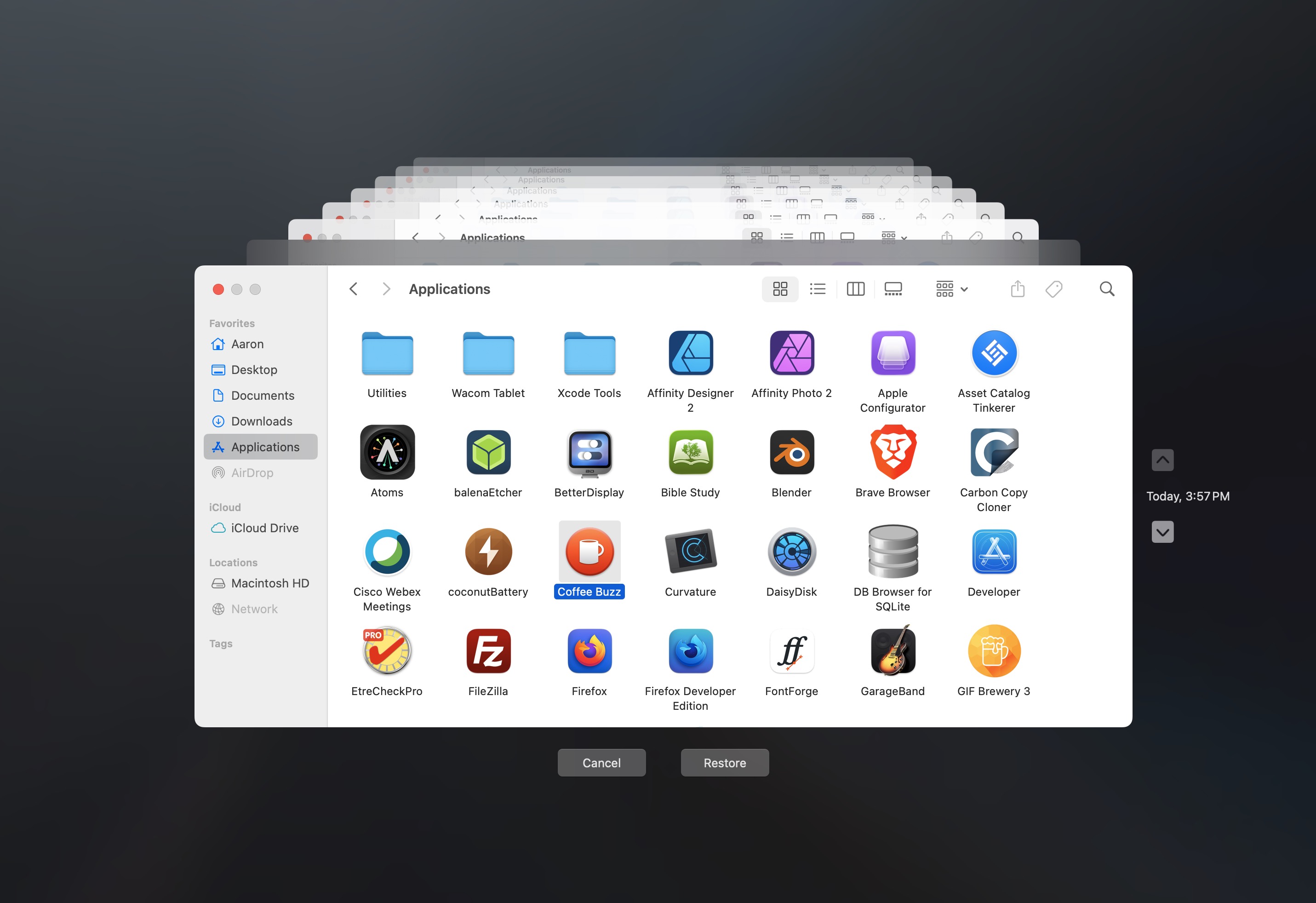
Retrieve a lost copy of the application using Time Machine.


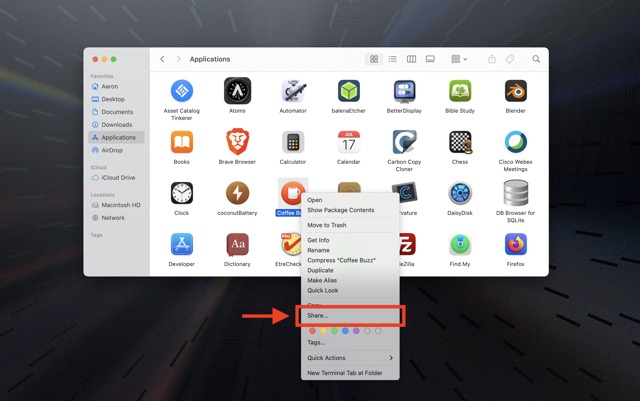
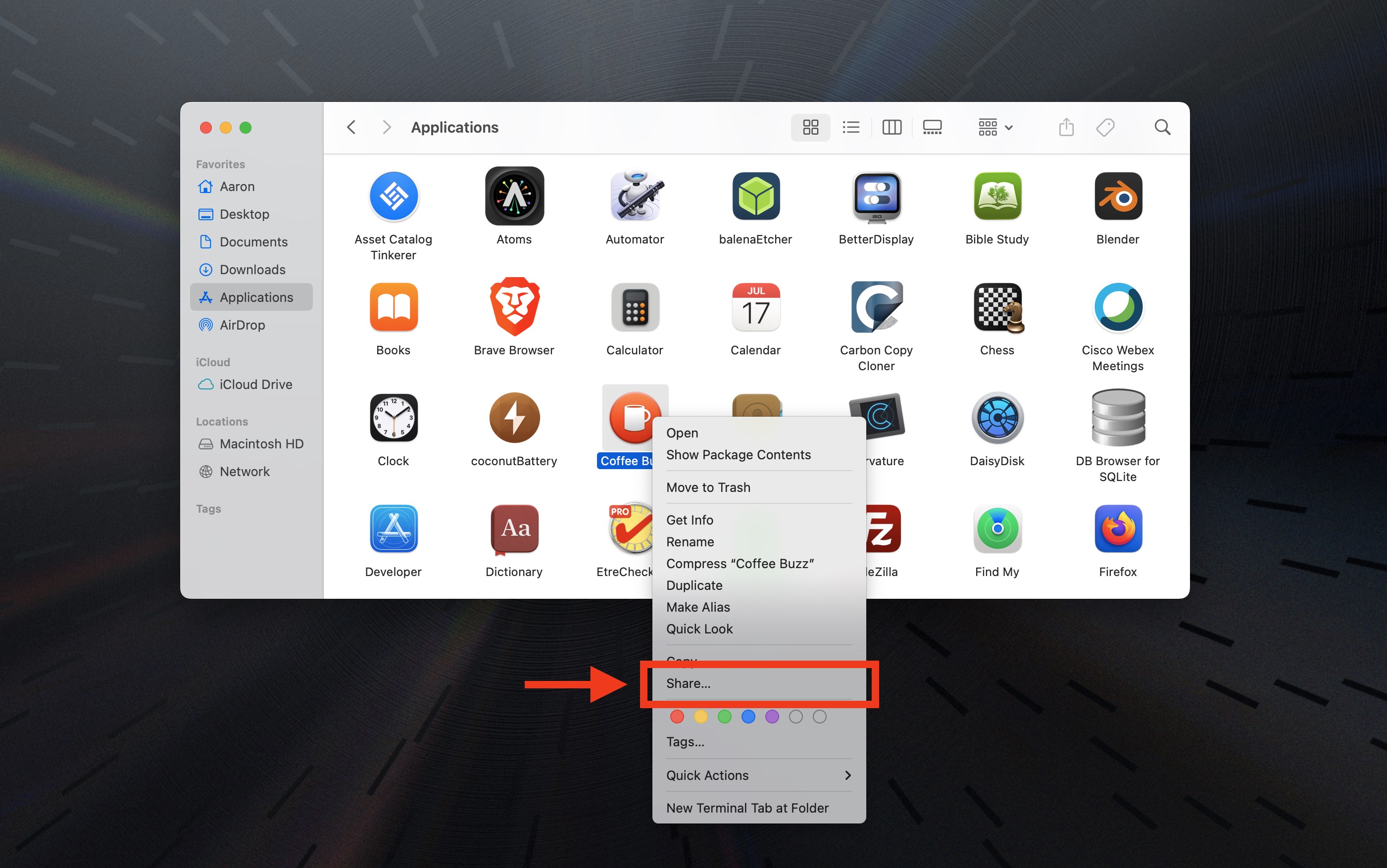
Send a copy of the application to another Mac.
I'm still here
Even though I'm no longer able to release new versions or fix any new problems that may appear, if you have a question or need help with Coffee Buzz, you're more than welcome to reach out to me and I'll do what I can to help you. Use the "Contact" link at the top of this page.